The spreadsheet
Your free Excel file
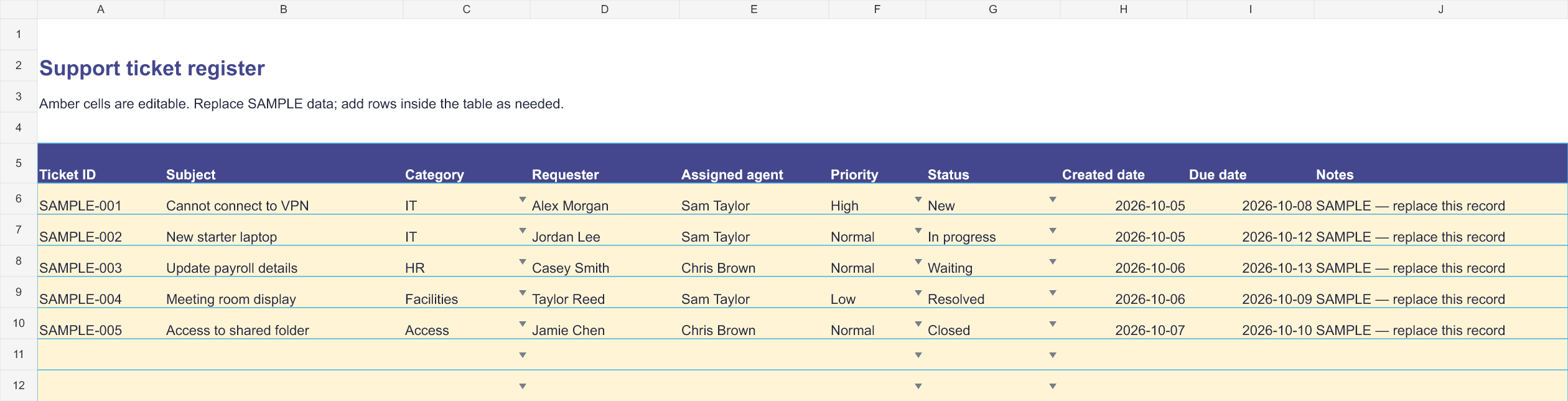
- Five sample tickets plus editable rows for your own requests
- Category, priority and status dropdowns with duplicate-ID warnings
- Automatic status summaries and protected formulas
No signup. No email. No macros.

Free Excel template
by  Ticket Helpdesk for Microsoft Teams
Start with a simple spreadsheet, or manage requests and support work together in the app.
The spreadsheet
No signup. No email. No macros.
Need more?
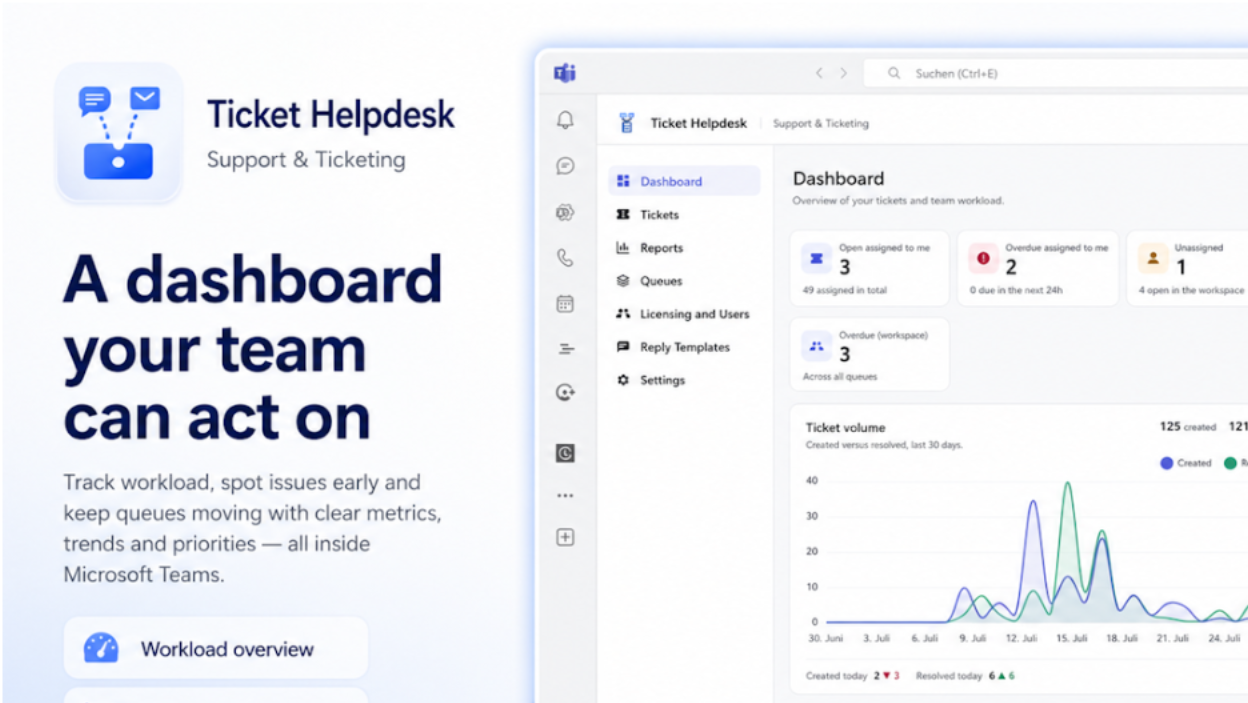
Actual Ticket Helpdesk app · View full size
Browser setup asks for your email address. After the workspace is created, we send its private access link to that address.
Start with a 14-day trial. Continue free with 1 agent and up to 100 tickets per month.
The app introduction and launch links are protected. The ticket register is unprotected so you can add rows. The workbook uses native Excel links and has no macros.
Excel works well for a small support list. You still need to update it manually, coordinate edits and follow up on deadlines yourself. Ticket Helpdesk helps when requests need shared queues, agent assignments, SLAs and a central history.
Yes. Download it without creating an account or providing an email address.
Yes. There is no 10-ticket limit. Extend the Excel table and copy an existing row to preserve its formatting and dropdowns.
No. Record requests and follow up manually. Ticket Helpdesk offers automated email intake during the trial and on paid plans.
1 support agent, 1 queue, 1 mailbox, up to 100 tickets per month and 30-day audit retention. The allowance resets on the 1st of each month in UTC. At the limit, ticket creation, editing and replies pause until reset or upgrade. Free public replies include the app’s signature. Automated email intake and notifications require a trial or paid plan.
Yes. Choose “Start in Browser” to create your helpdesk workspace online. We email you the link to open it in your browser. Or choose “Start in Teams” to install it in Microsoft Teams.